Blog
Notes on React and frontend engineering, and a complete guide to Calendario, the calendar extension I build.
Featured series
View series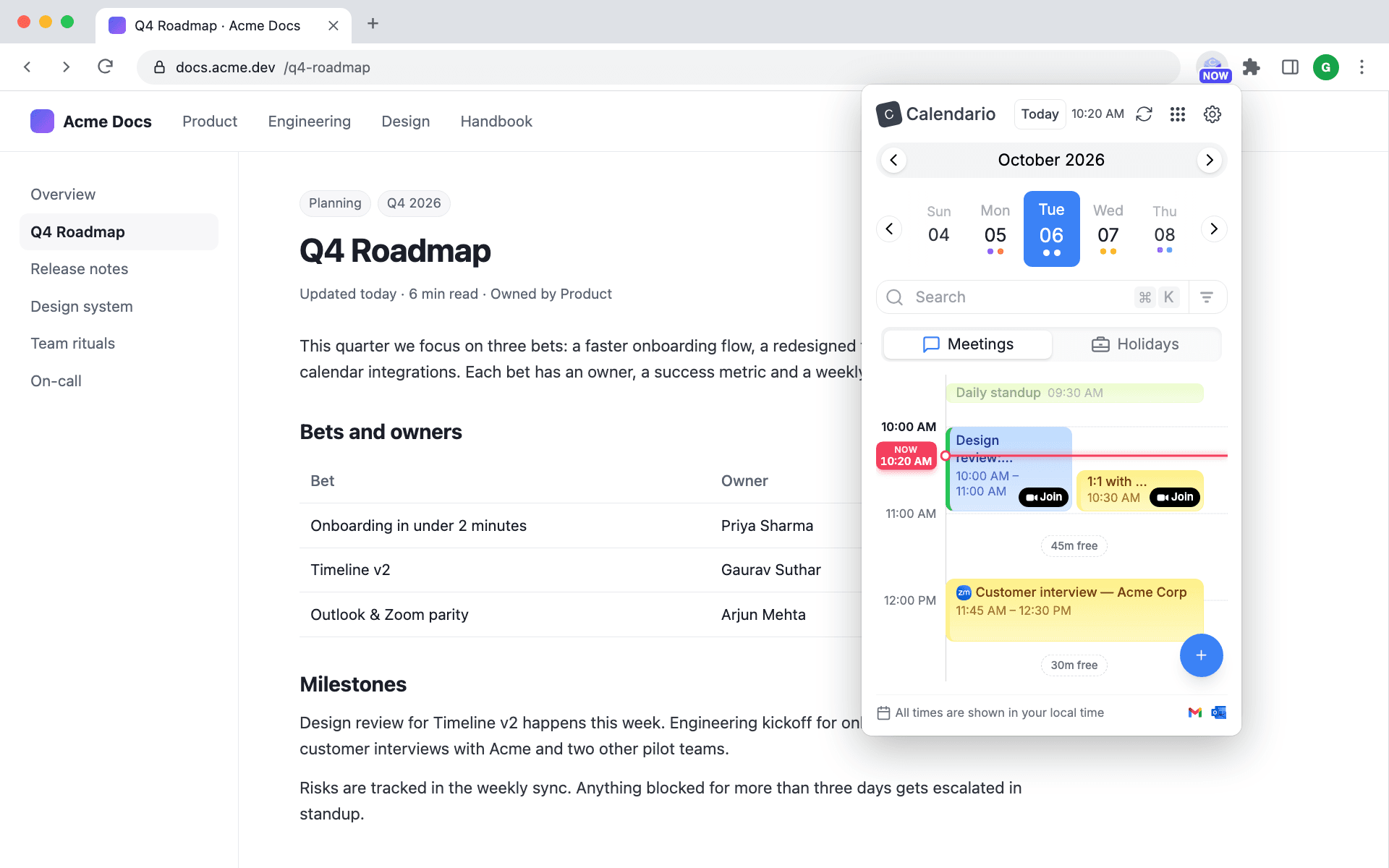
12 parts · 41 minThe Calendario GuideEvery feature of Calendario, the Chrome extension that puts Google Calendar, Outlook and Zoom in one popup — step by step, with screenshots and short clips.Start with part 1
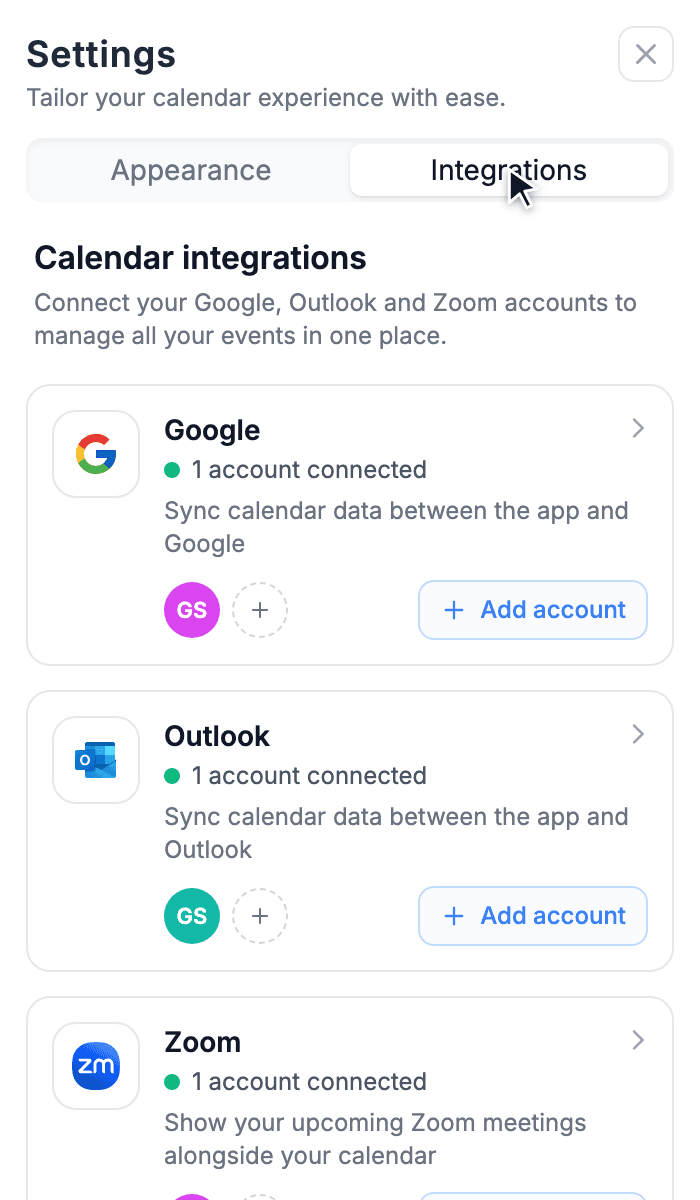 Part 2 · 3 min readConnect Google, Outlook and Zoom — and more than one of eachAdd every calendar account you use, choose which of their calendars show up, and keep everything in sync.
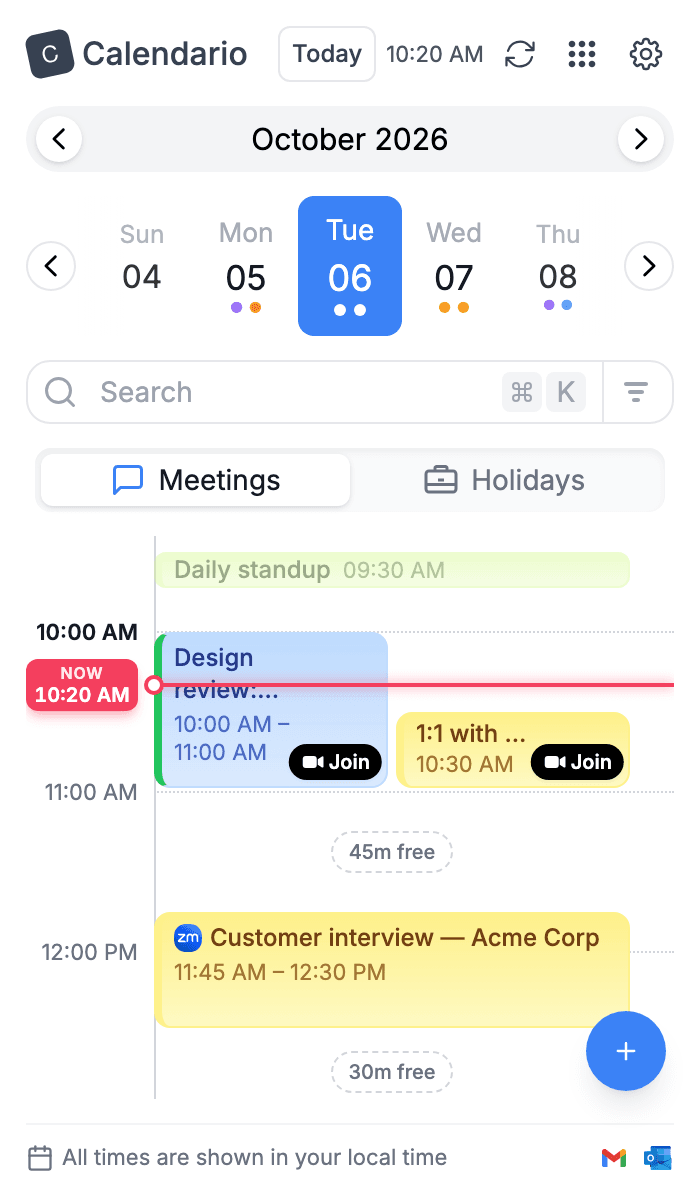 Part 3 · 4 min readRead your day on the timelineThe live Now line, overlapping meetings side by side, free gaps, one-tap Join, zooming and keyboard control: everything the day timeline shows you.
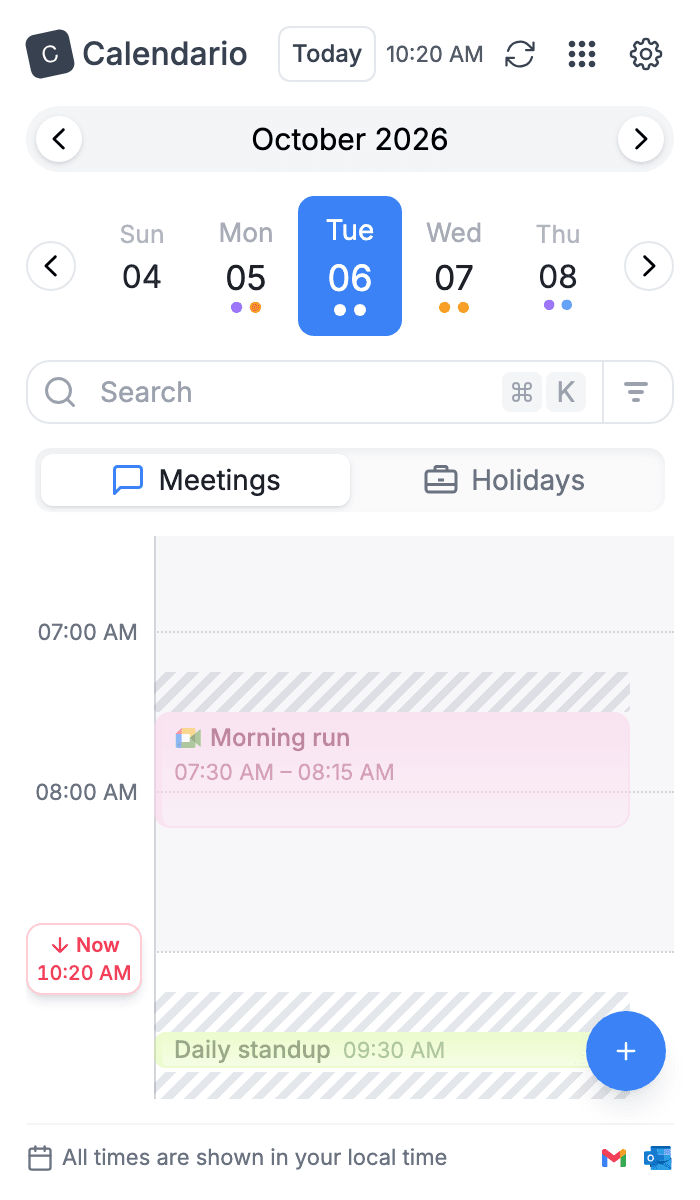 Part 4 · 4 min readTune the timeline: zoom, working hours, buffers and moreShade the hours outside your working day, add prep time before meetings, color events by calendar and see several days side by side.
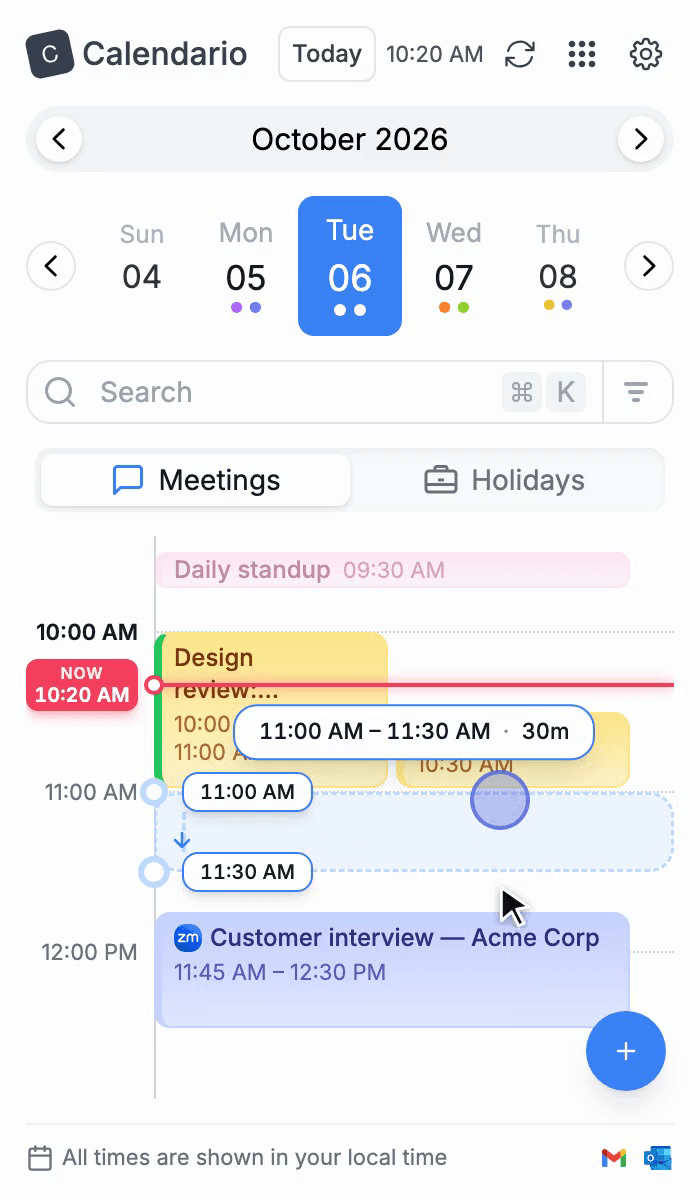 Part 5 · 3 min readDrag to create, move, resize and copy eventsBook time by dragging across the timeline, reschedule by dragging an event, stretch it from its edge, and hold ⌥/Alt to make a copy, with Undo for every change.
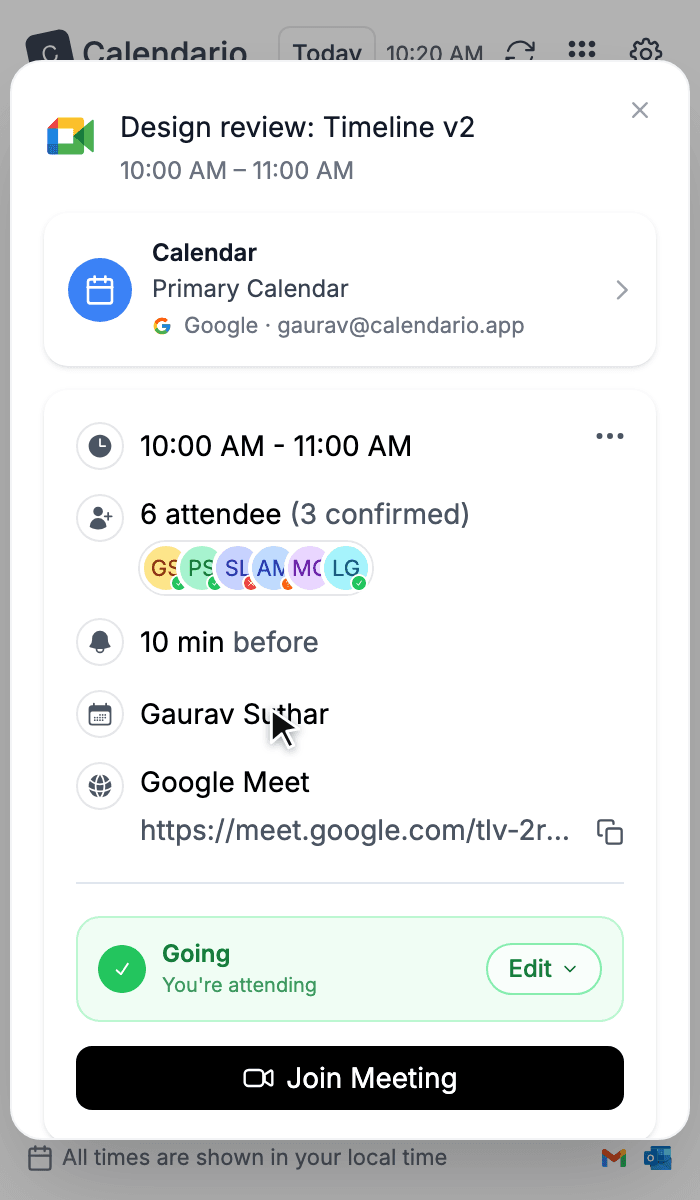 Part 6 · 4 min readEvent details, RSVPs and quick actionsOpen any event to see who's coming, join the call, answer an invite, grab the link or attachments, and delete one event — or many at once.
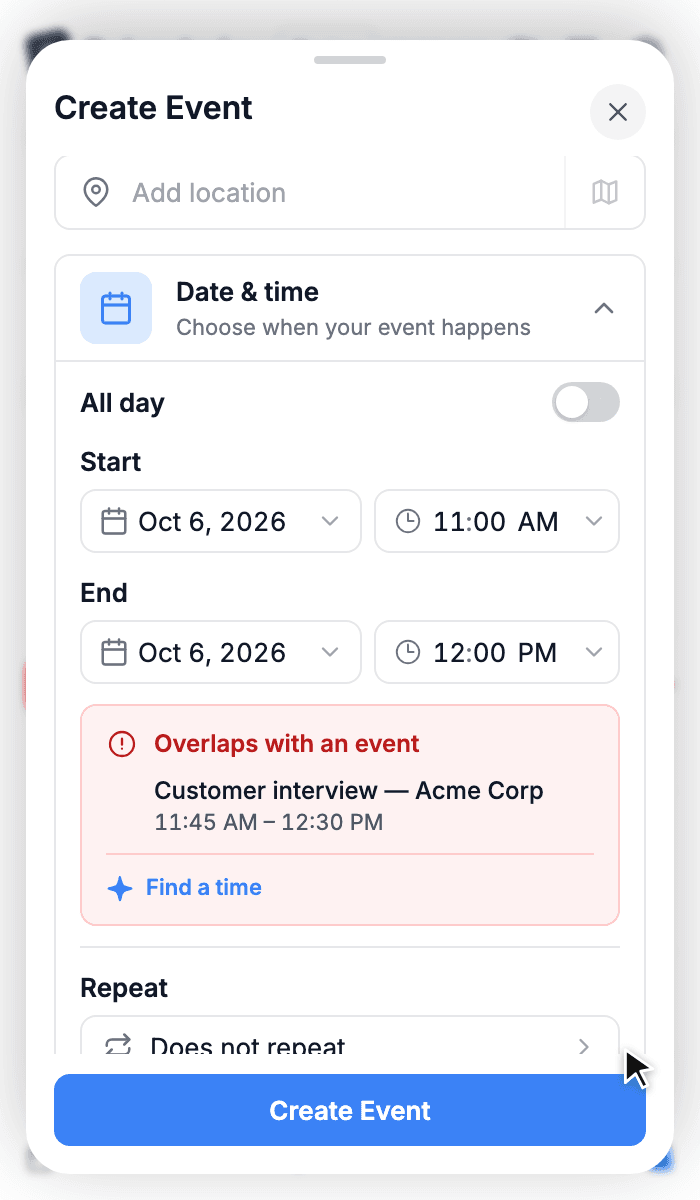 Part 7 · 5 min readCreate events without leaving the pageThe full event composer: pick a calendar, set the time, catch conflicts before they happen, repeat, add a Meet or Teams link, invite guests and attach files.
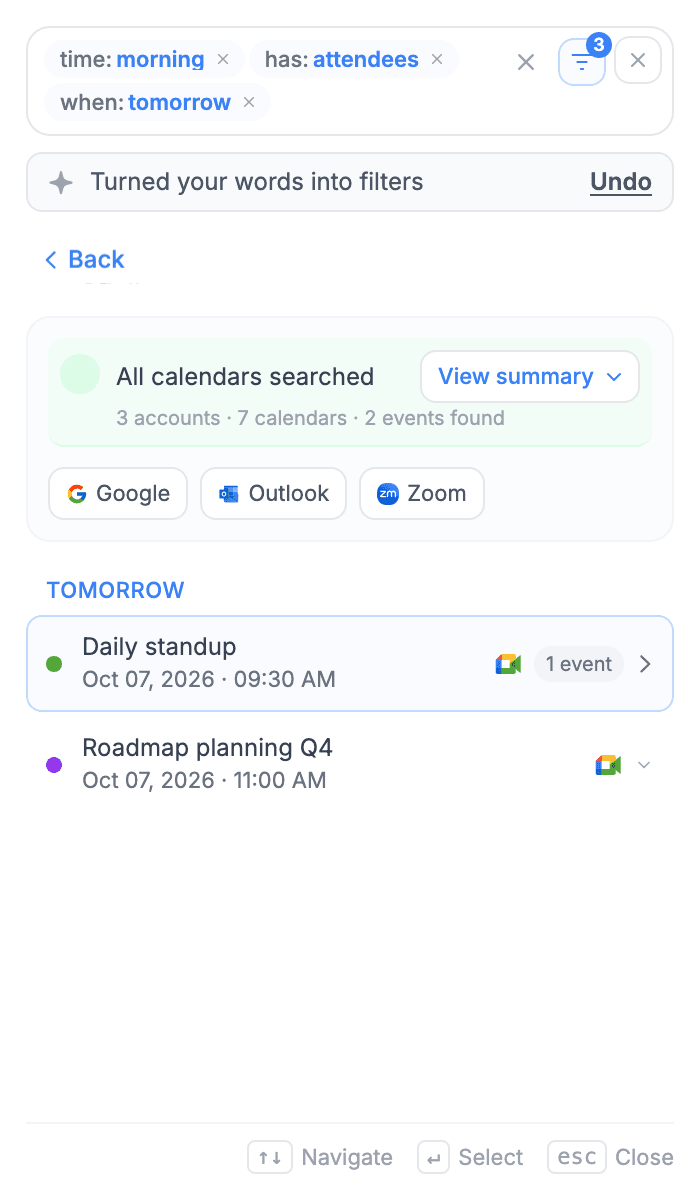 Part 8 · 3 min readFind anything with ⌘K searchSearch every connected calendar at once, use one-tap quick filters, or just type what you mean — “meetings tomorrow morning” — and let Calendario turn it into filters.
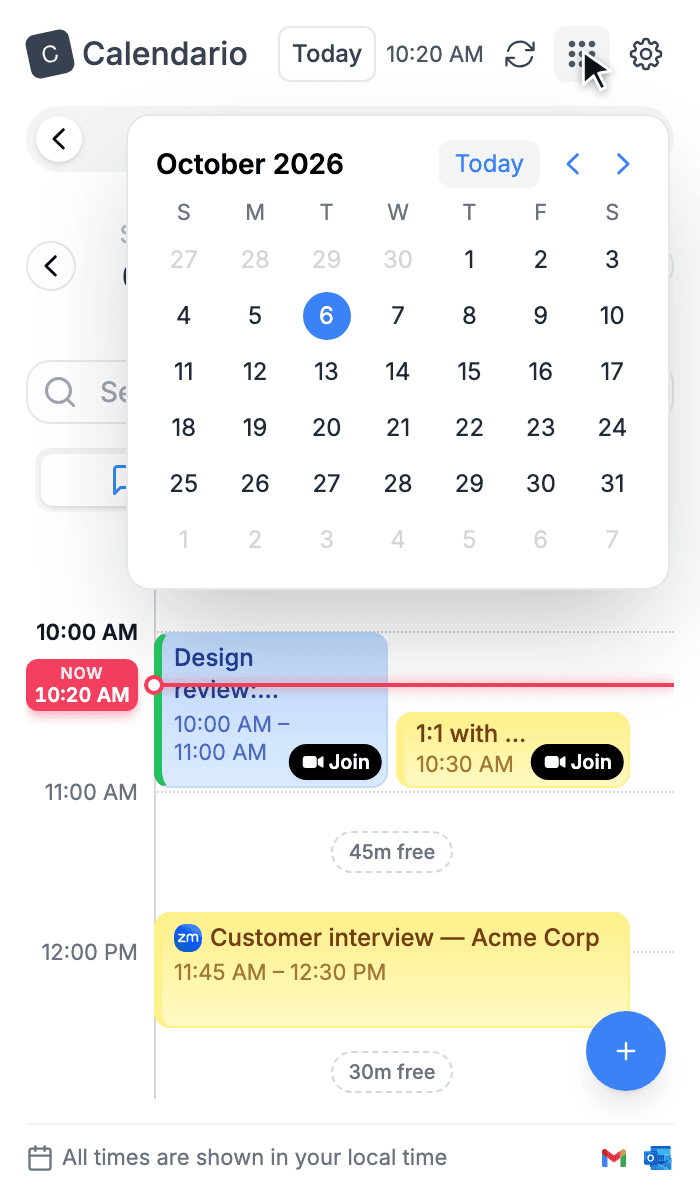 Part 9 · 2 min readJump to any date and see holidaysMove around your calendar with the day strip, the month and year pickers and the Today button, and keep public holidays in view.
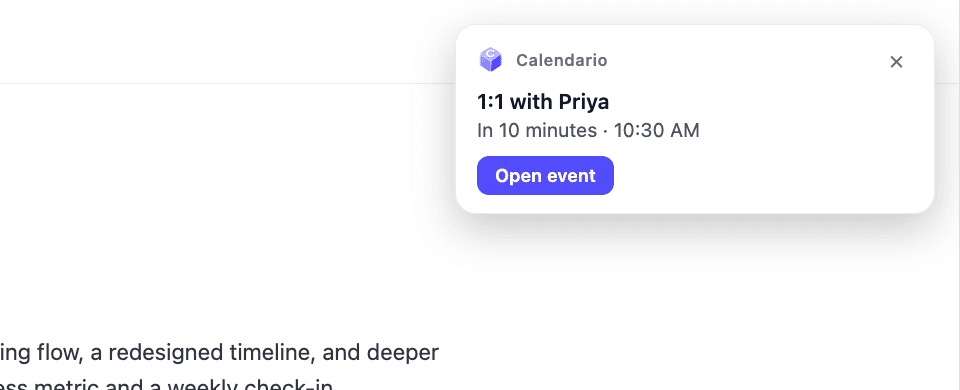 Part 10 · 4 min readReminders that reach you, and a badge that tells you what's nextIn-page reminder cards with a chime and an Open event button, plus a toolbar badge that shows your next meeting's start time — or NOW.
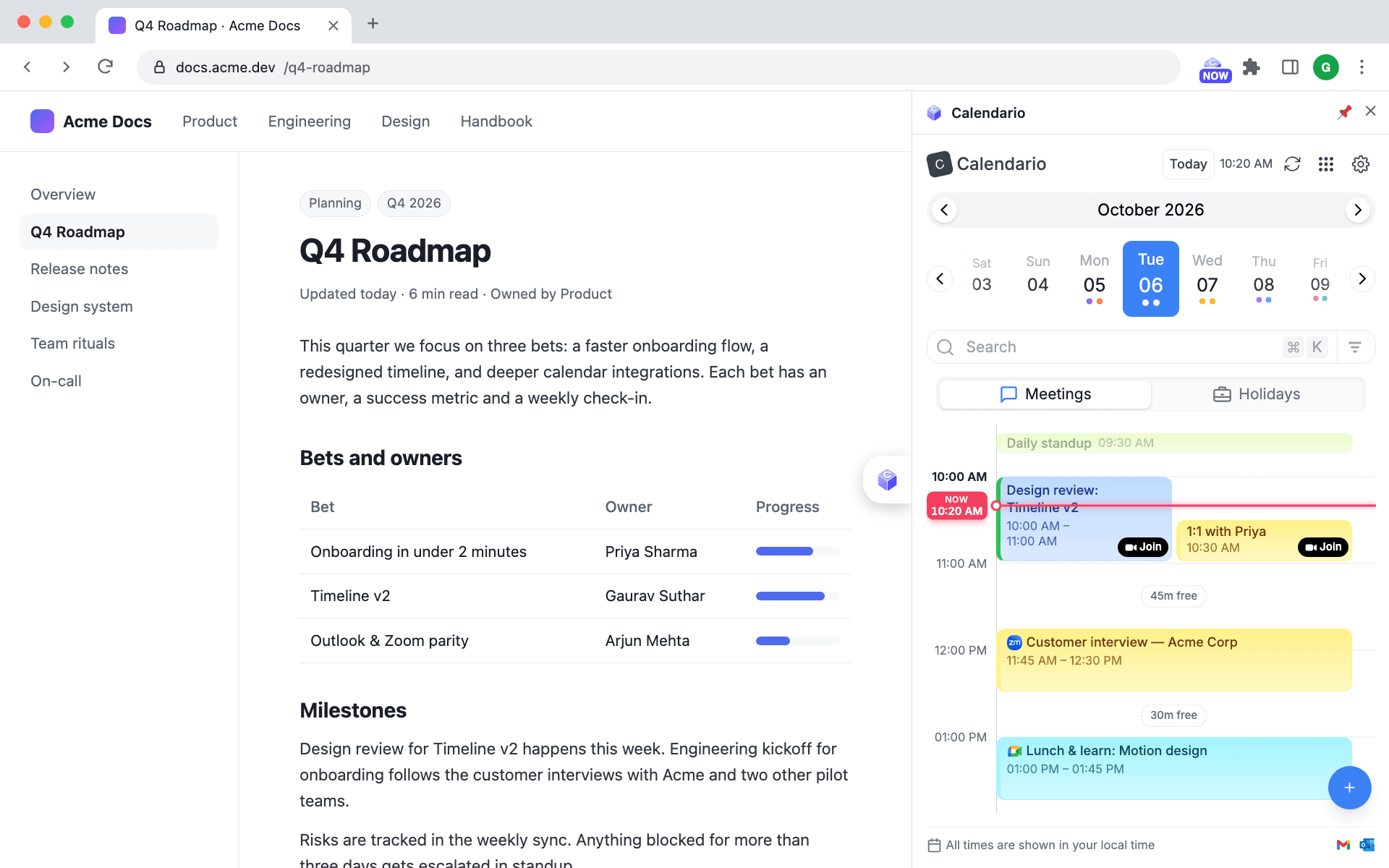 Part 11 · 3 min readPopup, side panel or floating launcherOpen Calendario as a quick popup, keep it docked in Chrome's side panel next to your work, or reach it from a floating launcher on any page.
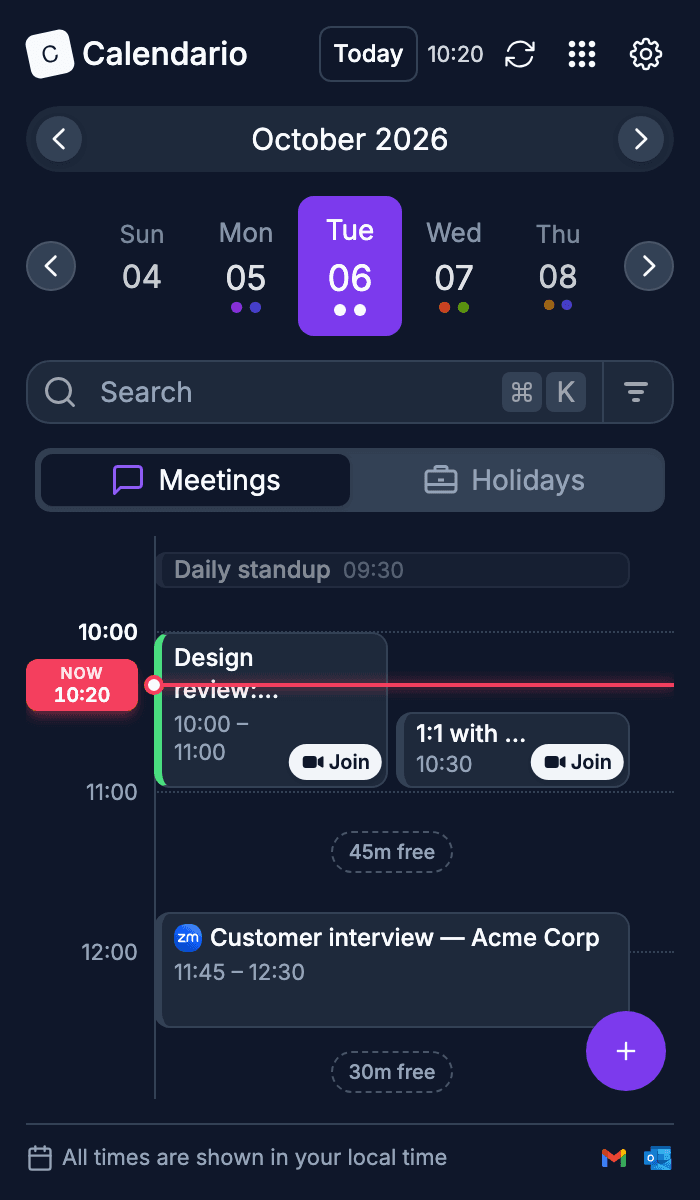 Part 12 · 3 min readMake it yours: themes, colors, languages and time formatLight, dark or system theme, seven accent colors, 12- or 24-hour time, a live clock and fifteen languages.
More writing
- June 30, 2023 · 2 min readWhen to Use memo in ReactReact.memo looks like a free performance win, but used carelessly it adds overhead without preventing a single re-render. Here's how to tell when it actually helps.
- June 30, 2023 · dev.toWhen to use memo in ReactWhen state changes, a component re-renders along with all of its descendant components. Here's when React.memo actually helps.